Flow by Fotoware Run advanced metadata-powered workflows in the cloud
Design and run complex, metadata-powered workflows with our automation add-on for Fotoware Veloz.
Why Flow
As content volumes grow, manual workflows quickly become a bottleneck. Files need to be structured and routed across systems - without slowing teams down. Flow is the cloud‑native automation engine for Fotoware Veloz turning metadata into workflows that process and deliver assets automatically at scale.
Powerful automation across your content lifecycle
Run multi-step workflows across your content lifecycle
Automate end-to-end processes—from ingestion and processing to distribution and updates—so complex workflows run consistently without manual coordination.
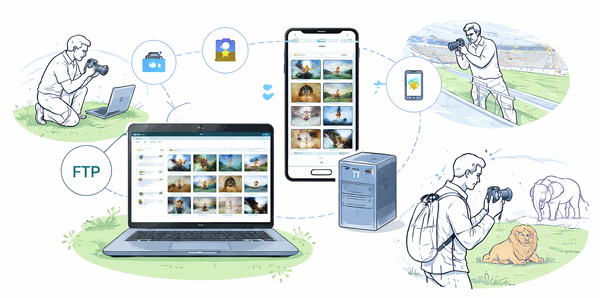
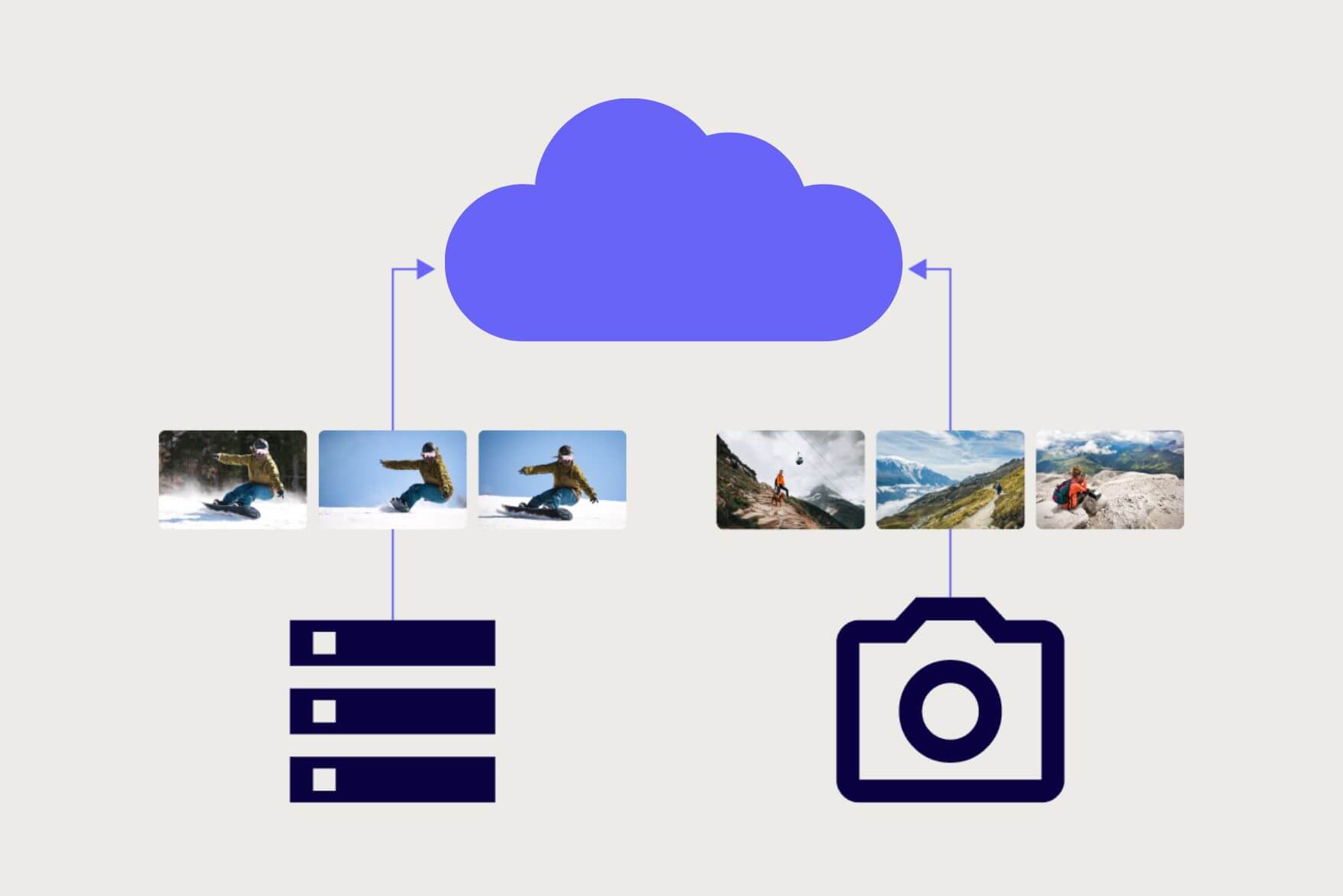
Automate ingestion and distribution across systems
Ingest assets from FTP, Azure, or other sources, and route them automatically based on metadata—so content moves seamlessly between systems without manual handoffs. A
Apply rules that structure content from the start
Use metadata and workflow rules to classify, enrich, and organize assets as they enter the system, so content is usable and consistent from day one.
Process and prepare assets as part of the workflow
Convert, rename, and transform files automatically during processing, so assets are always delivered in the right format for each use and destination.
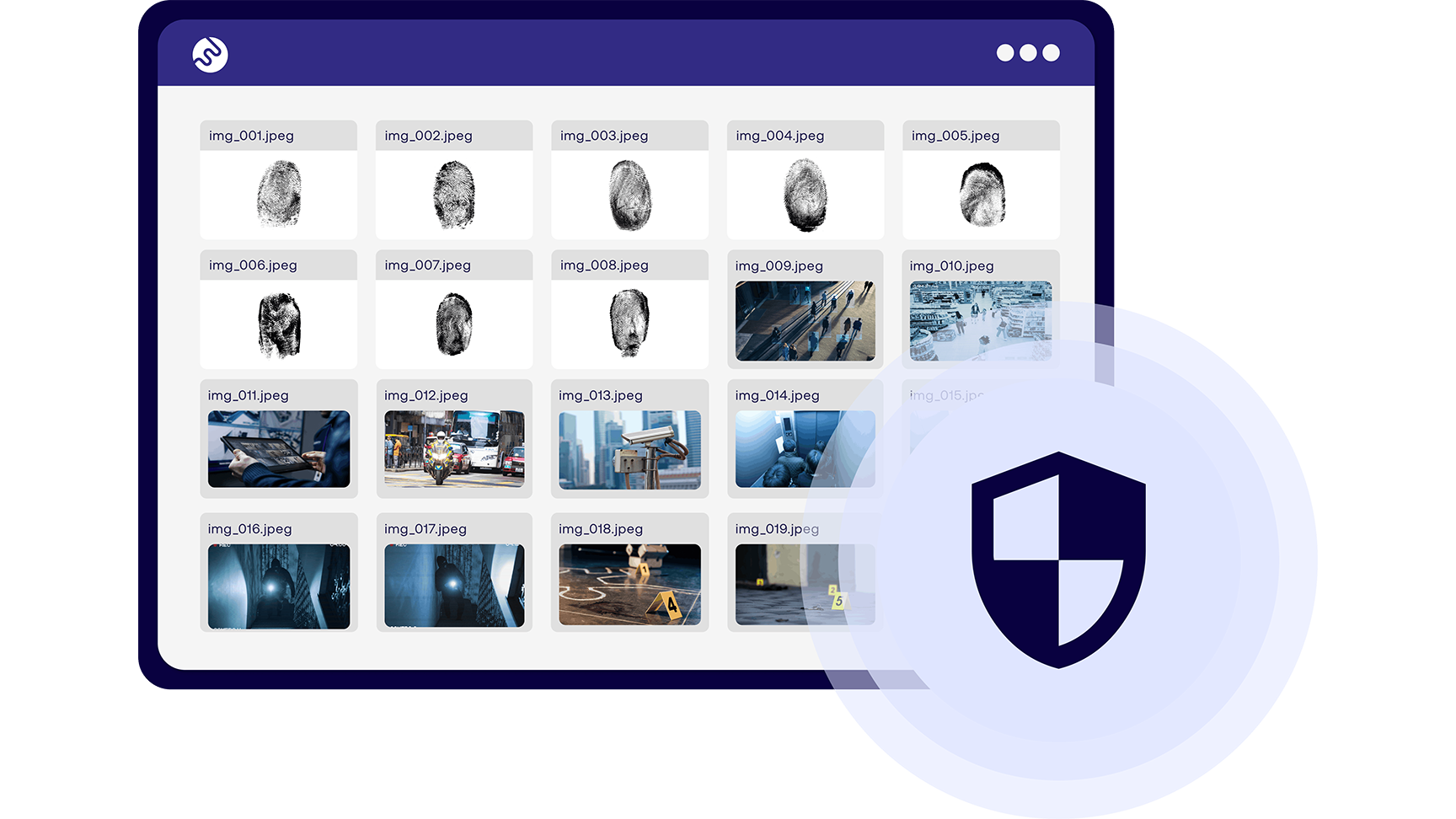
Enforce governance and lifecycle rules automatically
Apply metadata-based rules for rights, retention, and expiry, so assets are handled correctly and stay compliant without manual oversight.
Example processes you can automate
-
Automatically ingest assets from FTP or Azure, so content flows directly into your DAM without manual upload or handling. -

File naming
Apply naming conventions automatically. Extract, restructure, or generate filenames based on rules, so assets follow consistent conventions from the start. -
Metadata enrichment
Apply metadata automatically from source data like copyright, campaign, photographer, so assets are structured and ready for search and workflows immediately. -
Governance and compliance
Apply metadata-based rules for rights, retention, and expiry, so assets are handled correctly and stay compliant without manual oversight. -

Metadata translation
Translate metadata fields automatically, so assets can be used consistently across languages and markets. -
Expiration handling & purging
Apply retention rules to automatically expire and remove assets, so libraries stay clean, compliant, and easy to manage.
How it works
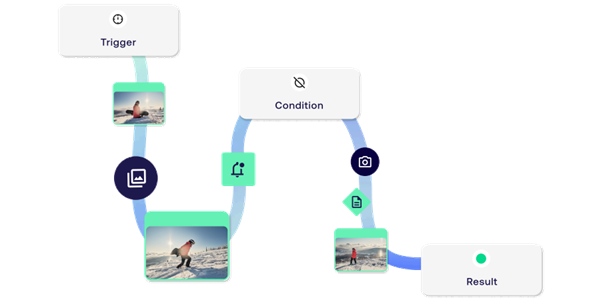
Automated workflows based on triggers and actions
Design workflows with triggers and conditional logic. Workflows are triggered by events such as asset ingestion, scheduled runs, or API calls. Each step applies actions like processing files, enriching metadata, or routing assets based on defined conditions and metadata values. Because workflows are metadata‑driven, they can branch, run in parallel, and adapt dynamically to each asset’s context, so you can automate complex, multi-step processes across systems.
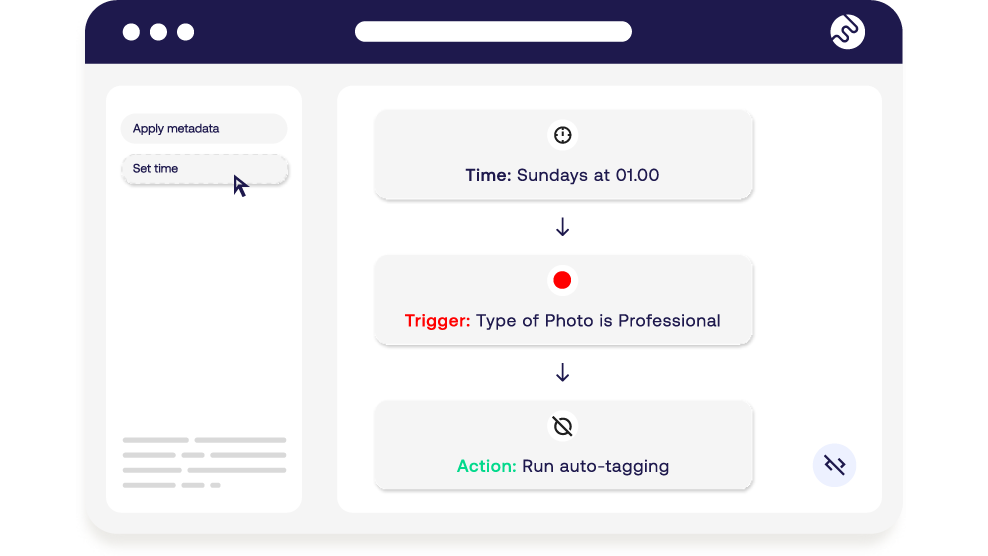
- bolt Visual, no-code workflow builder
- bolt Highly customizable
Monitor workflows and logs for total control
With real-time dashboards, you track active workflows as they run, and detailed logs tells you why it ran, and how it performed. Spot issues early, troubleshoot quickly, and keep automations reliable.
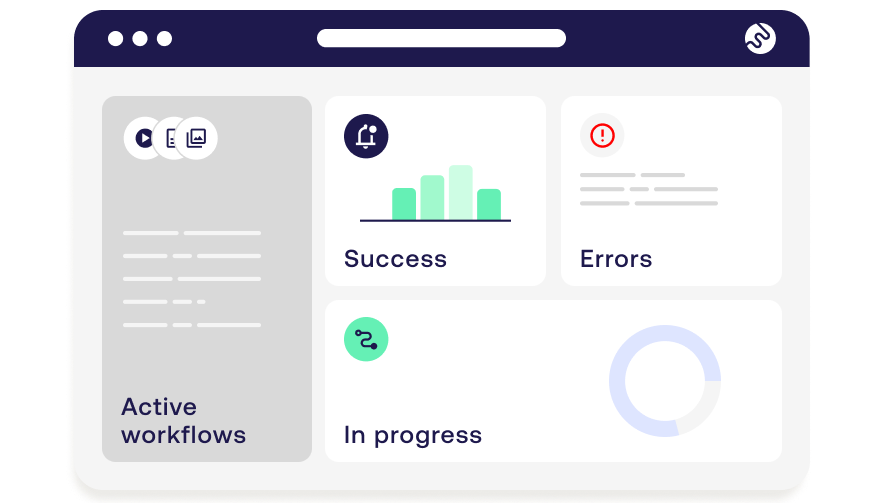
- bolt Real-time workflow status
- bolt Detailed logs
Who will benefit
-
E-commerce
Instant product readiness, automated optimisation, workflows that scale. -
Media & Entertainment
News distribution, video content workflows, rights management. -
GLAM
Collection management, public portals, preservation workflows -
Regulated bodies
Compliance automation, monitoring & auditability, transparency -
Global brands
Multi-market publishing, auto-translation, creative automations -
Enterprise IT
Centralized governance, predictable operations, no surprises
The Munch Museum: Turning complex business rules into automated workflows with Flow
Learn how the Munch Museum in Norway automates how assets are managed and updated with Flow.
Realiable and secure
Flow is built on Microsoft Azure for enterprise security and scalability - keeping your data safe and your workflows future-ready.

Frequently asked questions
-
Yes. Flow is designed for enterprise scale.
It processes massive volumes of content with speed and consistency.
-
Flow reduces risk by making workflows transparent and easy to monitor.
-
You design clear, metadata-driven rules and conditional logic with a visual workflow-builder.
-
Real-time dashboards and logs give you full visibility as workflows run. If something goes wrong, you can troubleshoot quickly with error logs, real-time dashboards and completed workflows.
-
-
No. Flow is completely no-code, with a drag-and-drop builder that anyone can use.
-
To find out pricing for your company, register your interest in Flow here
-
Fotoware Flow was officially released on August 26, 2025.
New features and improvements are being rolled out gradually, with feedback from early adopters helping to refine and expand the product.
-
Absolutely. Flow is built on Microsoft Azure, giving you enterprise-level security, compliance, and reliability.
Get access to smarter automation
Experience how advanced automation can transform your asset management workflows.